Budget & spending01
Stay on top of your month.
Income, fixed costs, categories and recurring transactions. On your own or together, organize your finances your way.
See Banker in actionYOUR MONEY. YOUR PEACE OF MIND.
From this month’s budget to tomorrow’s net worth. Bring your financial life together in an app made for you, and for Apple.
Coming soon to the App Store iOS / iPadOS 18+
INSIDE THE APP
Explore the latest version of Banker. See your finances take shape, from everyday spending to future plans.
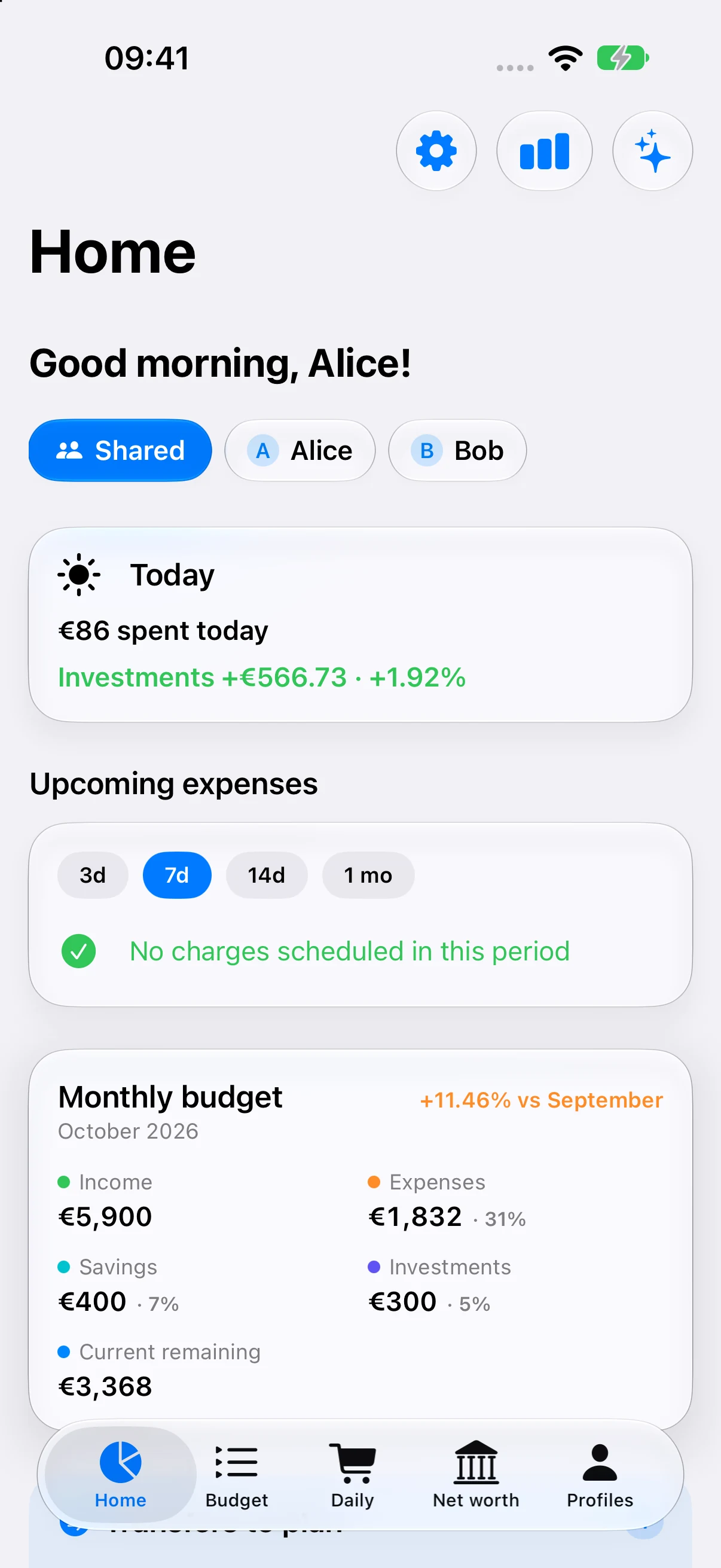
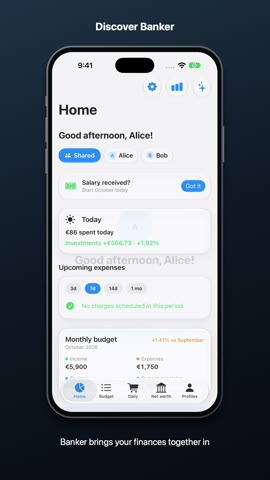
Your monthly budget, upcoming expenses and shortcuts. Everything you need to see where you stand.
View full-size screenshot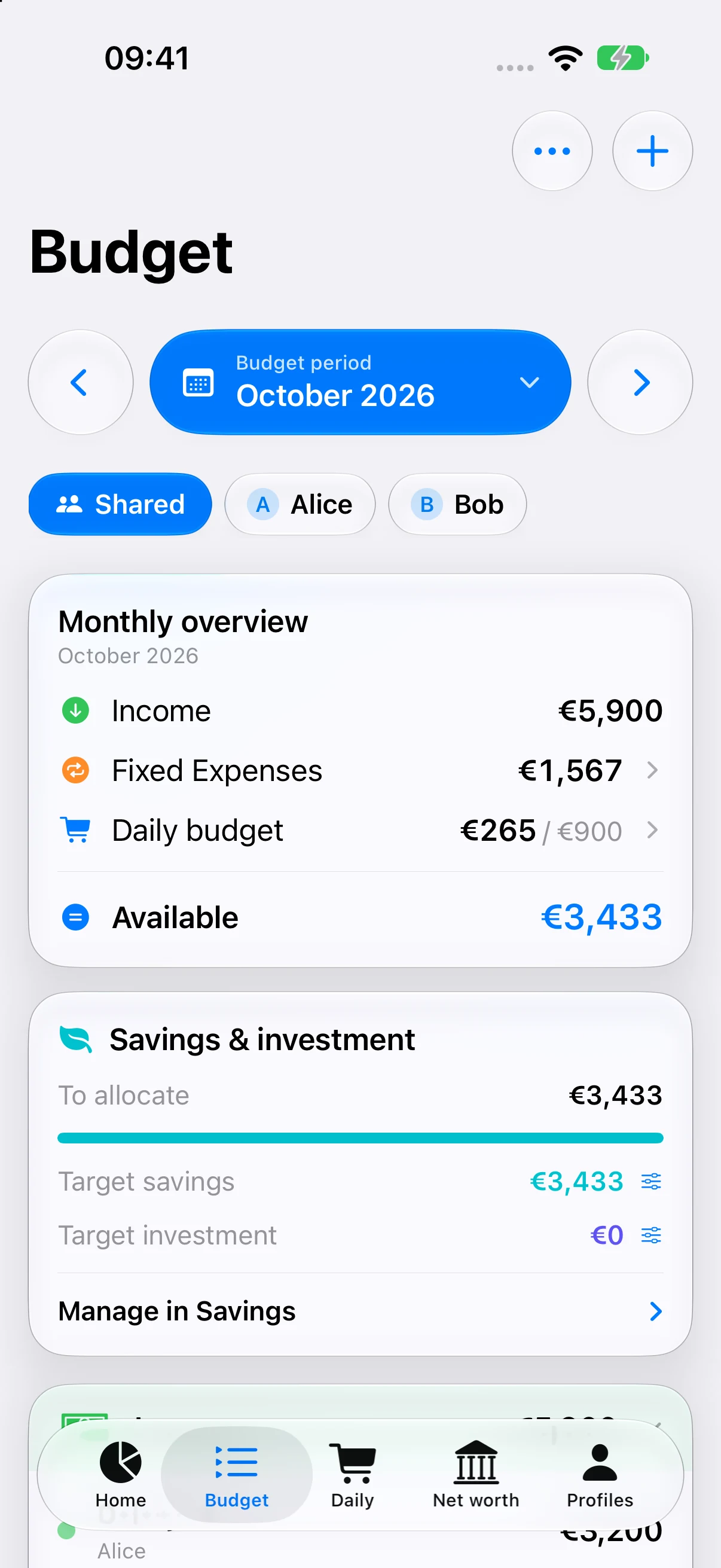
Income, recurring costs, savings and investments. Get the whole picture and keep track of what’s left.
View full-size screenshot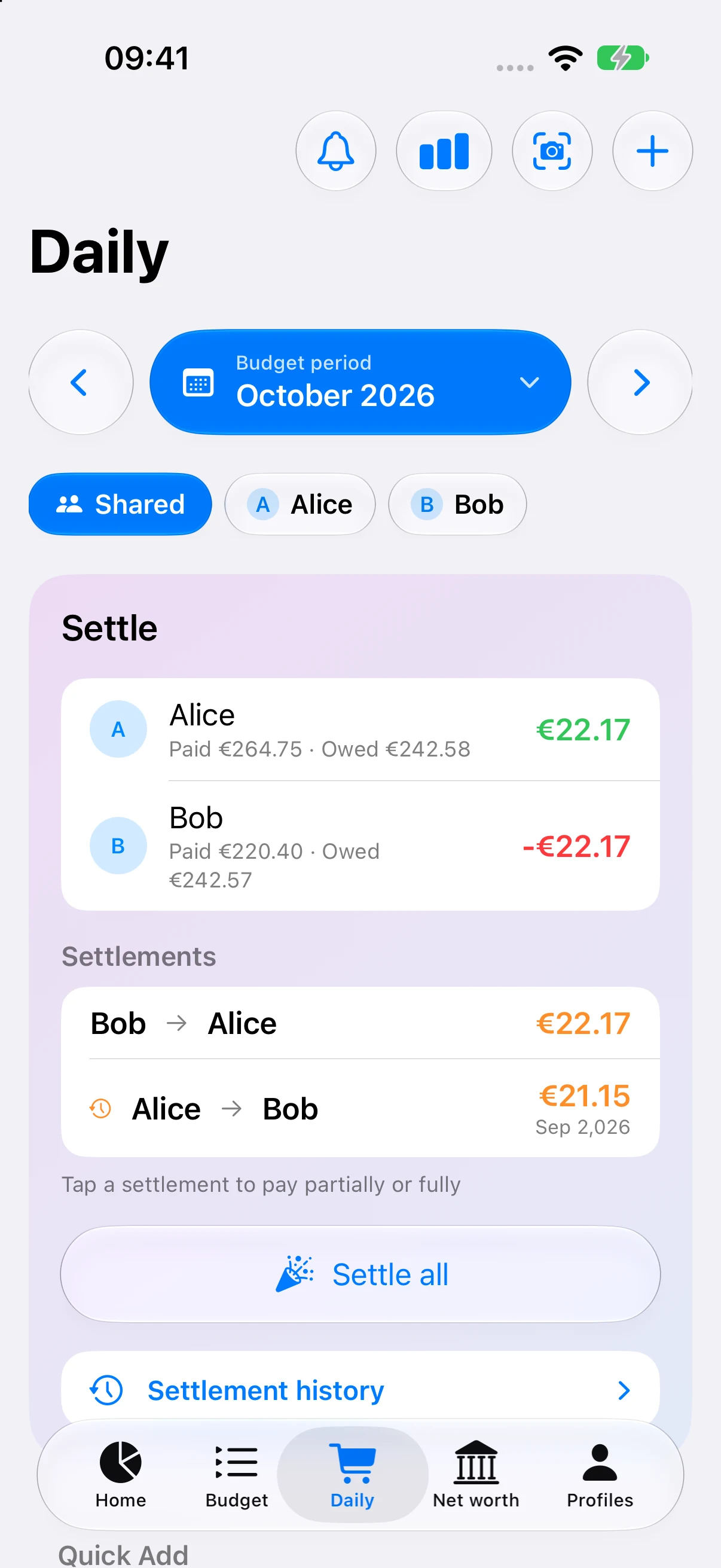
Find your expenses, categories and how costs are shared between household members. Stay on top of everyday spending.
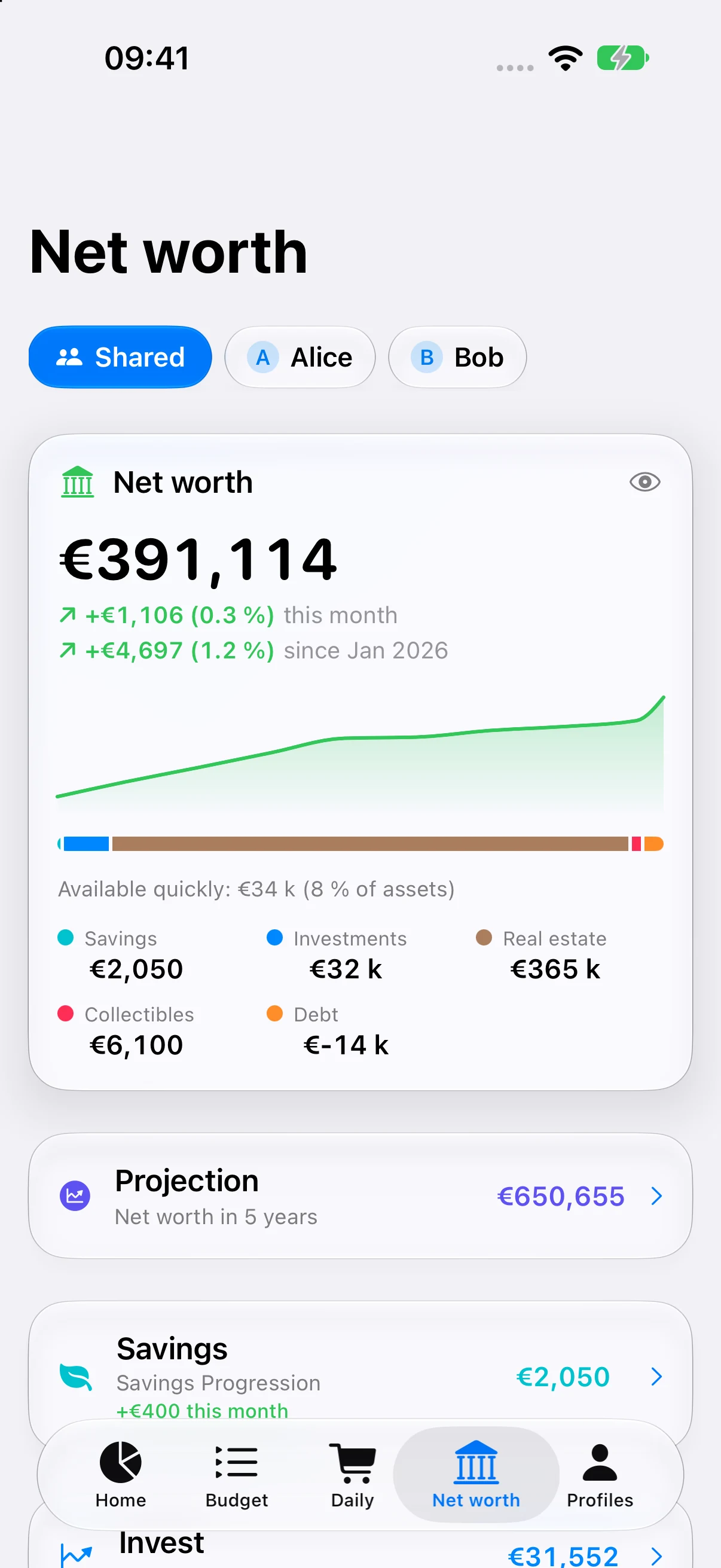
View full-size screenshotSavings, investments, property, valuables and loans brought together to help you understand your net worth.
View full-size screenshot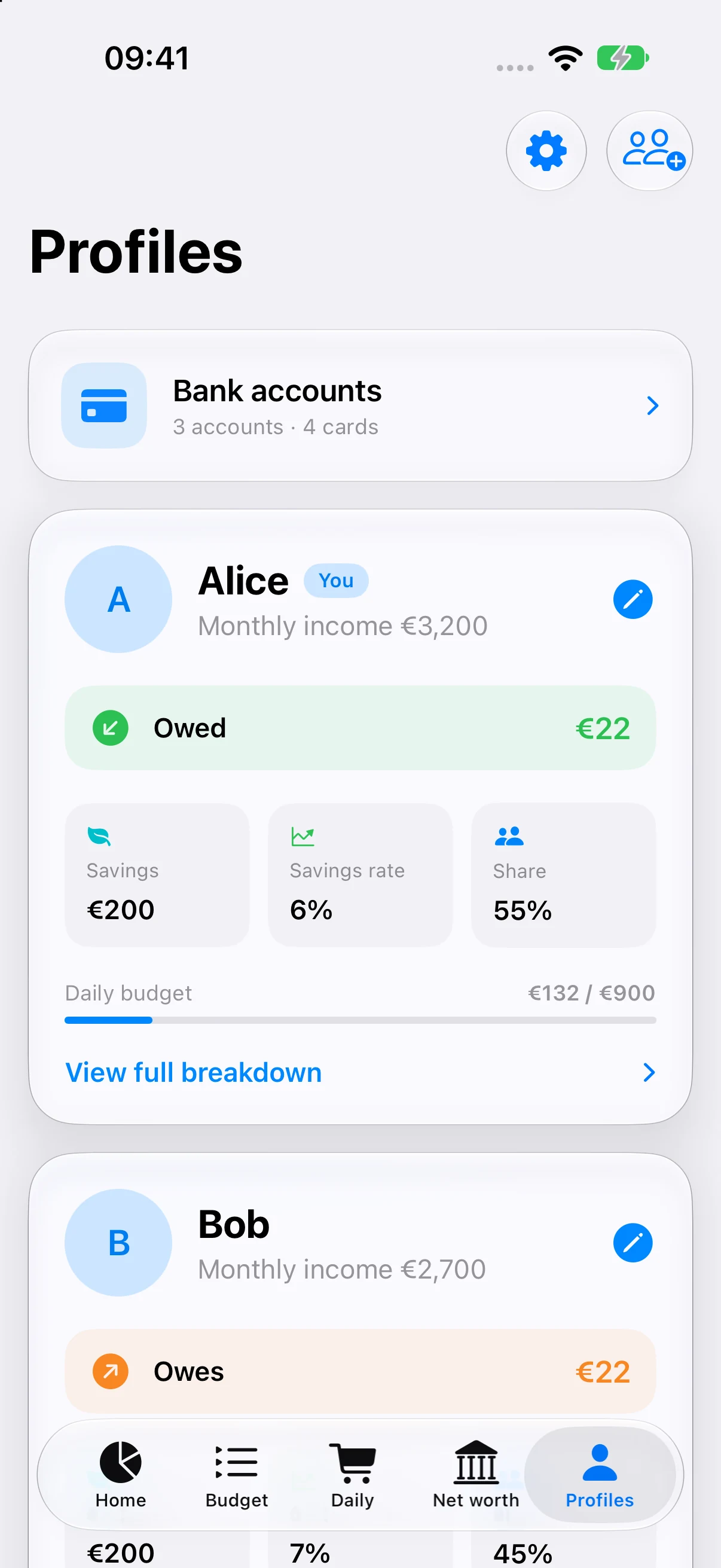
See each person’s contributions and balances. Share a household with the privacy settings that work for you.
View full-size screenshot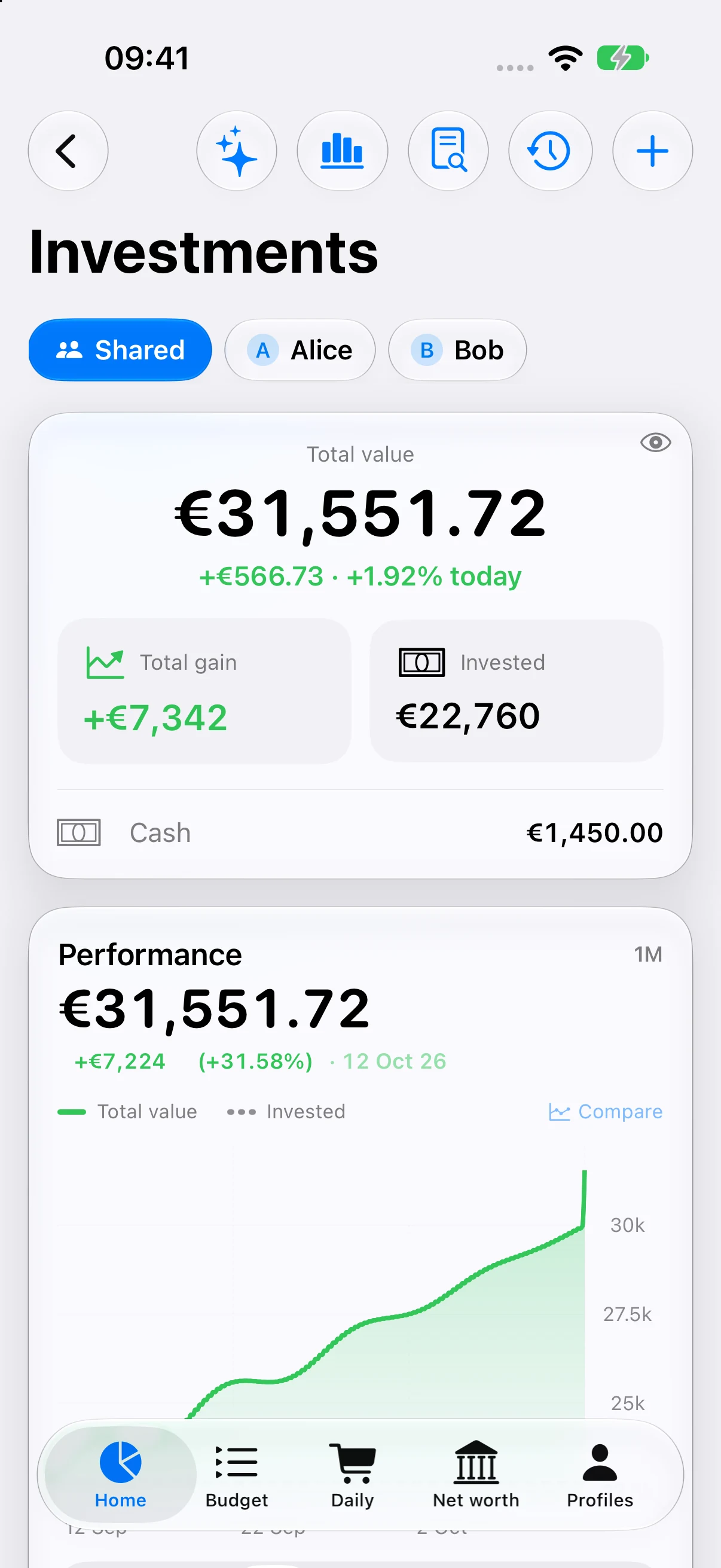
Performance, allocation and investment growth. Keep a clear view of your holdings across currencies.
View full-size screenshot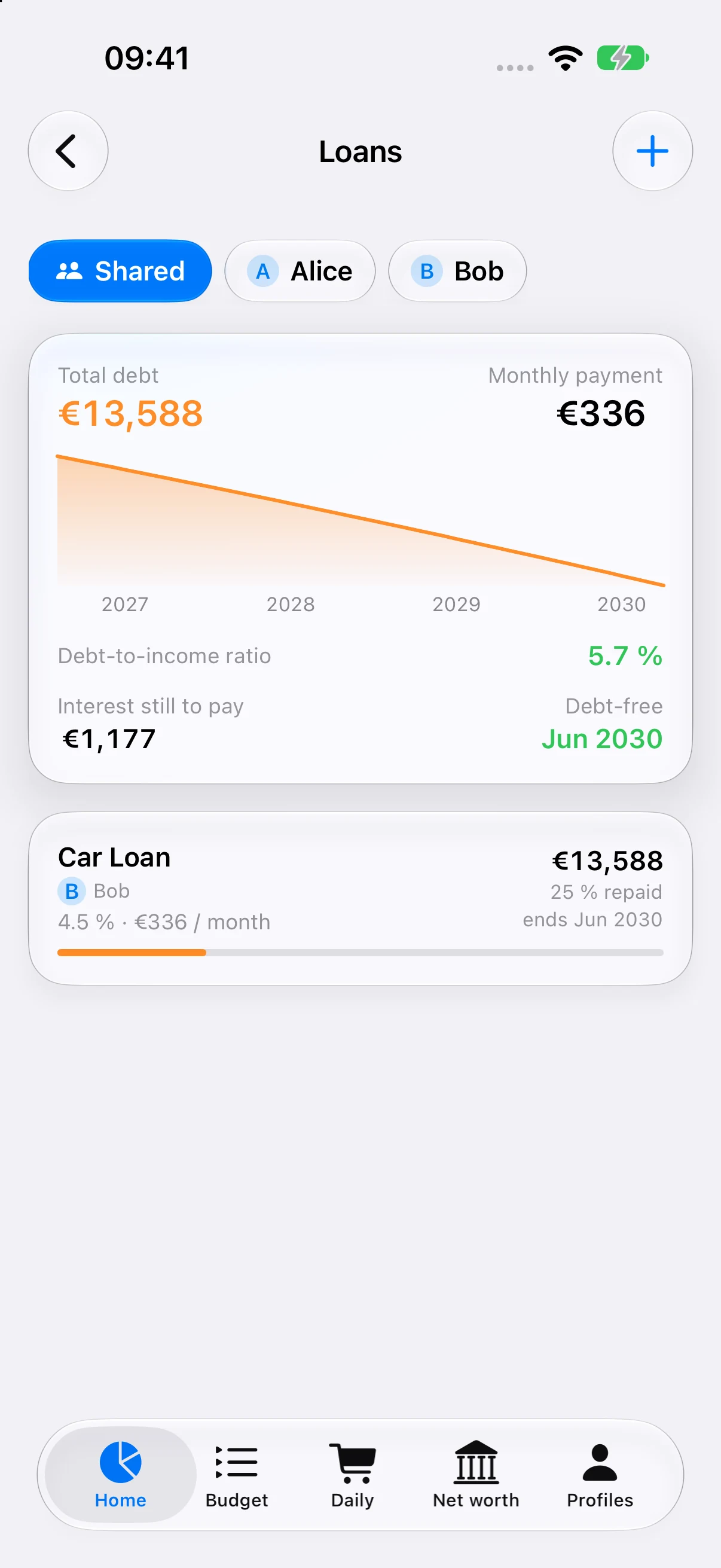
See outstanding principal, monthly repayments and upcoming payment dates for your loans.
View full-size screenshotReal iPhone captures · Demo data
FROM EVERYDAY TO THE LONG TERM
Connected tools to understand what you spend, what you own and what you’re planning for.
Income, fixed costs, categories and recurring transactions. On your own or together, organize your finances your way.
See Banker in actionYour assets and debts in one view, with savings accounts, property and valuables.
See Banker in actionStocks, ETFs and crypto across currencies. Track performance, allocation, dividends and cost basis.
See Banker in actionRepayment schedules, outstanding principal and early repayment scenarios to help you plan ahead.
See Banker in actionImport a CSV statement or scan a receipt. With Plus, connect supported sources or send future Apple Pay purchases through a personal automation in Shortcuts.
Explore the tutorialsTrips, outings or shared living: split expenses, track balances and record repayments. Share a group through iCloud separately from your household, and choose whether its expenses also appear in your budget.
Explore the tutorialsGET TO KNOW BANKER
Short tutorials to explore each feature at your own pace. Available in English and French.
Explore the tutorialsEnglish & Français · Watch at your own pace
 Discover Banker ↗
Sync a household with your partner without showing every detail. Banker distinguishes shared information, summaries and the things you want to keep personal.
Hide the details of personal expenses. Your partner sees the monthly total, rather than each transaction.
Hide a portfolio, savings account, property, valuable item, loan or watchlist from your partner’s lists, totals and projections.
Shared expenses stay visible for calculations and repayments, while each person controls their own privacy settings.
These privacy controls apply to what the app displays. Household data still syncs through iCloud; it is not separately encrypted between partners.
A native interface, iCloud sync and tools that fit your devices. The Banker Plus assistant provides locally computed quick actions. AI conversations are available from iOS or iPadOS 26, where Apple Intelligence is available.
Customize the two middle tabs on iPhone and find your entries with global search. On iPad, the different sections stay accessible through navigation designed for a larger screen.
Home Screen and Lock Screen widgets, shortcuts and a Live Activity show the essentials without opening the app.
Your household budget and essential tools stay free. Banker Plus adds advanced insights, automation, reports and ecosystem features.
For everyday finances.
or €29.99 per year
or €44.99 per year
Subscriptions are optional, renew automatically and can be canceled at any time. The price shown in the App Store at purchase is the applicable price. Sharing an iCloud household is free; sharing the Plus subscription requires the Family plan and Apple Family Sharing. Connected imports and the assistant depend on compatible services and devices.
No. Banker uses Apple technologies and your own iCloud account for syncing.
No. The app has no ads and does not use your data to track you across apps or websites.
Yes. Share a household through iCloud, show personal spending as a monthly total without individual details, and hide selected assets from your partner’s lists, totals and projections.
No. The Trading 212 and Binance connectors retrieve data in read-only mode. Use API keys limited to reading; Binance rejects keys with write permissions. Banker never places orders or moves your money.
Essential features are free. Banker Plus is optional: €3.99 per month or €29.99 per year for individuals, and €5.99 per month or €44.99 per year for families.
No. With Banker Plus, FinanceKit reads eligible Apple Wallet accounts on iPhone: Apple Card, Apple Cash and Savings in the United States, and selected UK banks from iOS 18.4. It does not connect every bank or country. In the current version, synchronization runs while the app is open. The raw bank feed stays local; you choose which transactions become budget expenses.
No. With Plus, create a personal Transaction automation in Shortcuts and add the Banker “Import purchase” action. It sends only new purchases that trigger your automation after setup. This is separate from FinanceKit and does not retrieve past purchases.
The assistant is included in Banker Plus. Quick actions such as the month summary and category checks work without AI. Natural-language chat requires iOS or iPadOS 26 or later, an Apple Intelligence-compatible device and an available on-device model. Also check that the assistant is enabled in Banker. Budgeting and standard calculations work without AI.
Banker is coming soon to the App Store. Start with the free essentials, and go further with Banker Plus.
Support